Set up your flight
Start with a standard passenger, cargo, or catering template. Customize actions to match the way your team works.

FLIGHT OPS. SIMPLIFIED.
Bring your entire flight team together. Live tasks, shared updates, and real-time communication—from the first detail to the final arrival.
On the web, iOS & Android. No download required for web access.
Try it: click a task to update the flight.
EVERYONE ON THE SAME PAGE
01 / HOW IT WORKS
A shared workspace for the people and details behind every passenger or cargo flight.
Start with a standard passenger, cargo, or catering template. Customize actions to match the way your team works.
Assign tasks and invite the people involved in the flight. Unlimited participants, at no additional cost.
Mark an action complete and everyone gets an update. Follow progress together, in real time.
02 / YOUR FLIGHT, CONNECTED
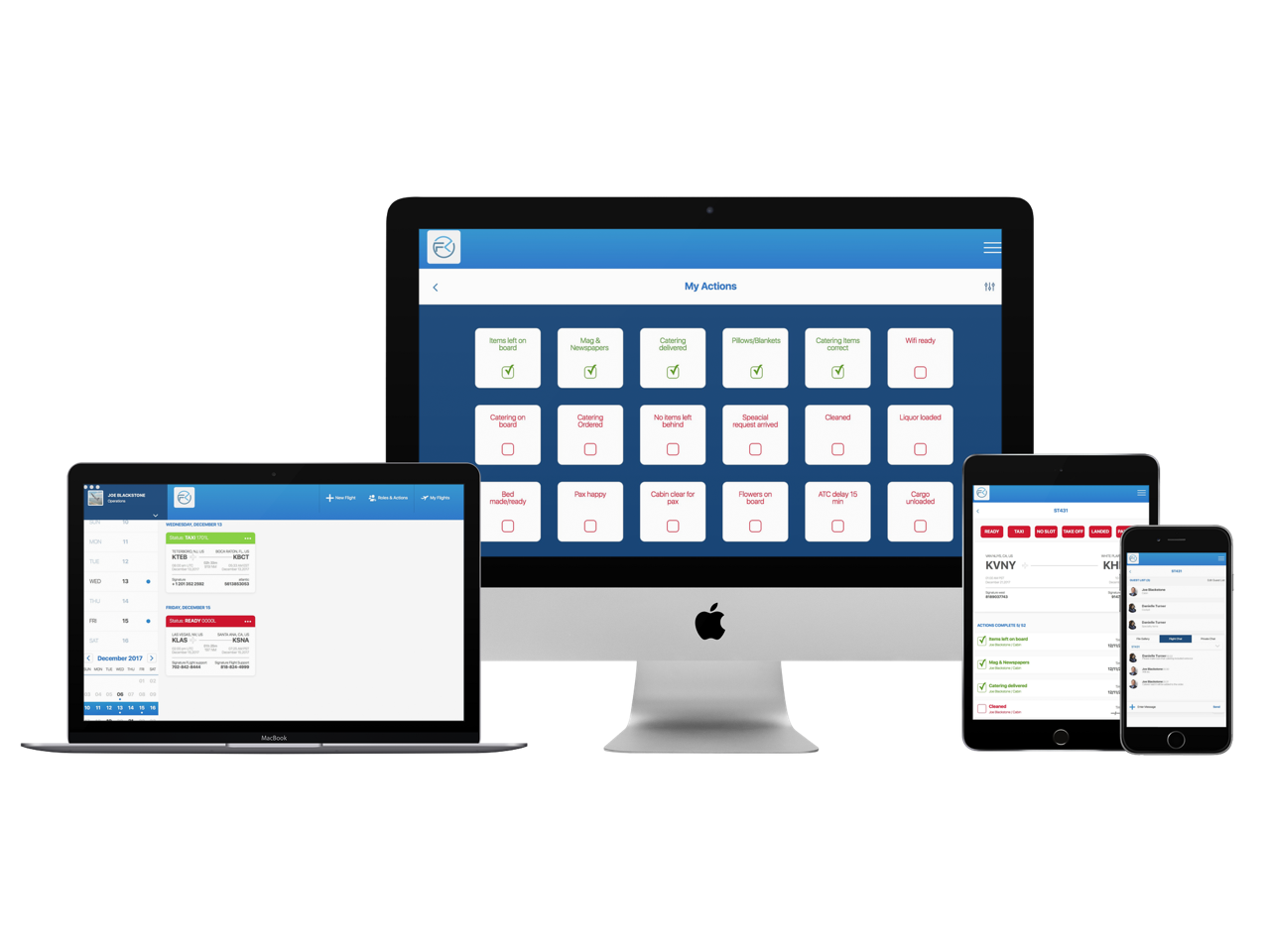
Replace the paper trip sheet with a live, interactive view of your flight. Open Flight Key in a web browser, or use the app on Android and iOS.
03 / THE DETAILS THAT MATTER
See completed actions across devices as they happen, with timestamps that keep the team informed.
View assigned actions in one place. Adapt standard templates and save custom action lists for future flights.
Keep conversations with the participants involved in passenger and cargo flights in a shared live chat.
GPS-assisted airport geofencing supports automatic movement updates, with manual takeoff and landed controls.
SEE FLIGHT KEY IN ACTION
READY FOR A MORE CONNECTED FLIGHT?